Bake a Blender scene into VoxelStudio's depth-map format and play it back as a volumetric scene on a Voxel display.
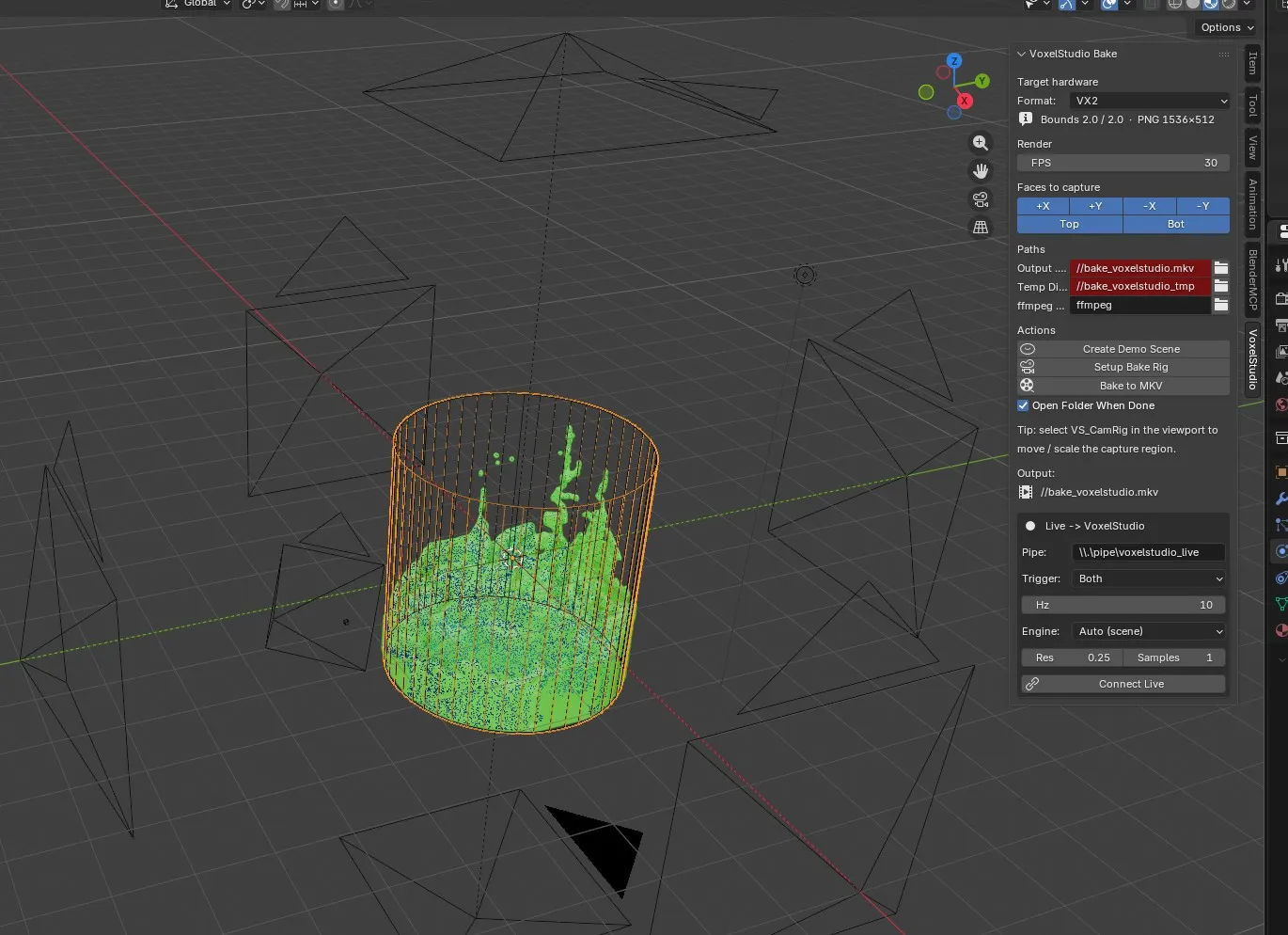
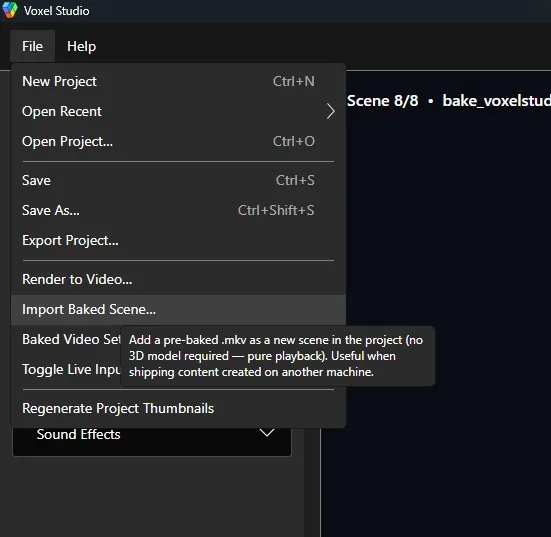
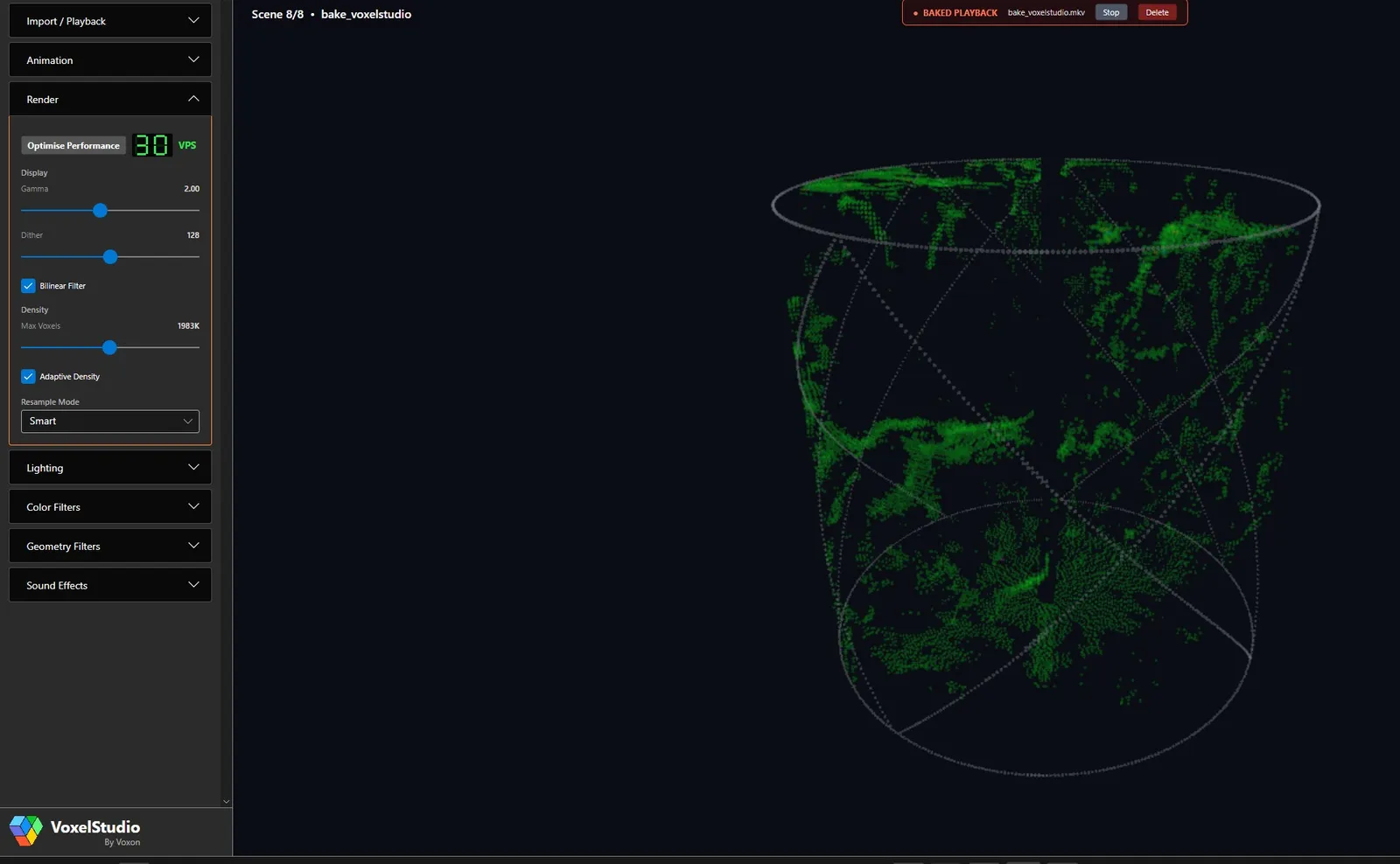
The VoxelStudio Bake add-on renders your Blender scene through a six-camera rig into VoxelStudio's depth-map .mkv format. You import the baked file into VoxelStudio via File → Import Baked Scene… and it plays back as a volumetric scene on a Voxel display. It requires Blender 5.1 or newer.
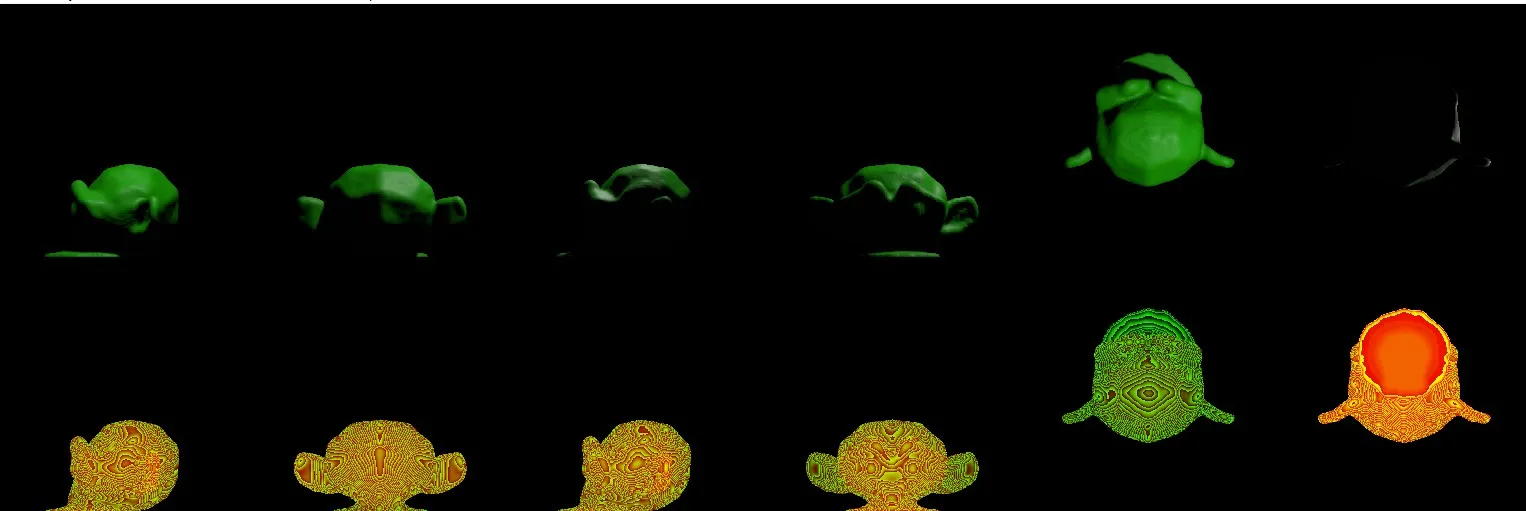
Each frame is captured from six orthographic cameras — one per face of the volume (+X, +Y, −X, −Y, Top, Bottom). Every face packs the colour of the nearest visible surface into the top half of the frame and 16-bit depth into the bottom half, encoded losslessly (FFV1 in an MKV). VoxelStudio auto-detects the target format from the frame size. You can disable faces you don't need for up to a 6× speedup.
Bake to an .mkv for finished playback, then import it into VoxelStudio. EEVEE bakes dramatically faster than Cycles, and the voxel display can't tell the difference, so it's the recommended engine.
You'll need Blender 5.1+, VoxelStudio, and ffmpeg on your PATH (for baking only). Install the add-on via Edit → Preferences → Add-ons → Install…, open the VoxelStudio N-panel in the 3D Viewport, pick your format, and click Create Demo Scene then Bake to MKV to see the pipeline end to end.
For the full walkthrough — install, settings reference, baking, importing and the depth-map format — read the VLED Blender Plugin user guide.
Explore the VX2 and VX2-XL, try the live simulator, or talk to us about your use case.